QR code payment
The app shows a QR code with the amount. The customer scans it in their bank, pays by instant transfer and you see right away that the money has arrived.
StefoPay has not launched yet. We will launch the cash register in 2027, once it is certified by the Financial Directorate of the Slovak Republic.

StefoPay issues an eKasa fiscal receipt and accepts payment by card or QR code. On the phone you already have, or on our terminal with a printer. No register box and no fiscal chip.
Still in preparation – StefoPay cannot be used to record sales yet.
Kaderníctvo Lucia
Hlavná 12, Žilina
Receipt no. 214
23.10.2026 10:15
Cut and blow-dry22,00
Shampoo 250 ml6,50
Total €28,50
Net 23 %23,17
VAT 23 %5,33
Paid by card28,50
Registered in eKasa
Sample receipt, not a real purchase
The Slovak Sales Recording Act No. 384/2025 Coll. extended the duty to record sales to almost all services. This is how the rules are changing:
All sellers record sales in eKasa except for the exemptions listed in the act. Crafts and services that never had a cash register are now included.
Sellers must let customers pay cashless, that is by card or QR code.
VAT payers issue electronic invoices to domestic businesses through the Peppol network.
An unrecorded sale can be fined from €1,500 to €20,000. In 2026 inspections of newly covered services, the Financial Administration found unrecorded sales in 14.4 % of cases.
Three steps from registration to your first receipt.
On the Financial Administration portal you request a software cash register code and download the authentication data.
Sign in on your phone, tablet or computer and upload the files from the Financial Administration. Receipts are stored in protected storage in the cloud, not on your phone.
Tap in the items, the customer pays by card, QR code or cash, and you print the receipt or send it by e-mail. Every receipt is registered in eKasa first.
+ Add item
Total28,50 €
CardQR code
Cash
Everything the law requires from a cash register, and nothing you would have to buy on top.
Every receipt is registered online and gets an identifier and a QR code of the Financial Administration.
The customer pays by instant transfer from their banking app, the money goes straight to your account.
Through the payment app of a partner bank or payment company, even directly on your phone.
If the customer prefers, you send the receipt electronically instead of on paper.
A daily and monthly sales overview ready for your accountant.
You export the data from the protected storage on the spot during an inspection.
Without internet you sell on a paragón from a pad. StefoPay shows what to write on it and registers it by itself once the connection is back.
Previews from the app in development. The final version may differ.
The app shows a QR code with the amount. The customer scans it in their bank, pays by instant transfer and you see right away that the money has arrived.
The customer taps a card, phone or watch on your phone or the terminal. The payment is processed by a partner bank and the money goes straight to you.
If the customer does not want paper, you send the receipt by e-mail. It is sent only after eKasa has registered it.
At the end of the day you see sales split by payment method and VAT. You send the monthly overview to your accountant in one click.
During a Financial Administration inspection you download the entire protected storage as a single ZIP file. The verification tool shows that nothing in it has changed.
An e-shop or booking system sends the receipt through the API and gets the eKasa identifier back. No separate cash register needed.
For shops, bistros and stalls where you want a paper receipt and a separate device on the counter. No phone or tablet needed.
Create a code in the StefoPay app, enter it on the terminal and start selling. If you lose or replace the terminal, you disconnect it remotely in one click.
As soon as eKasa registers the receipt, the terminal prints it. When the paper runs out, the receipt waits and prints once you load a new roll. None gets lost and none prints twice.
The terminal runs only StefoPay. You cannot leave the register for other apps, so you can safely leave it on the counter with your staff.
The terminal has an NFC reader. With a partner bank's payment app, customers can pay with a card, a phone with Google Pay or Apple Pay, or a watch.
Tables, open tabs and reservations right in the cash register, with no other system.
You tap orders from the menu on the terminal or your phone, and the table's tab grows until the guests leave.
Pay the whole tab or only selected items, and every guest gets their own receipt.
Guests book a table on your page and receive the confirmation and a reminder by e-mail.
A receipt issued on the computer at the counter is printed by the terminal you choose.

One StefoPay cash register, many ways to sell with it. You can combine devices and integrations, and receipts are always recorded in the same register.
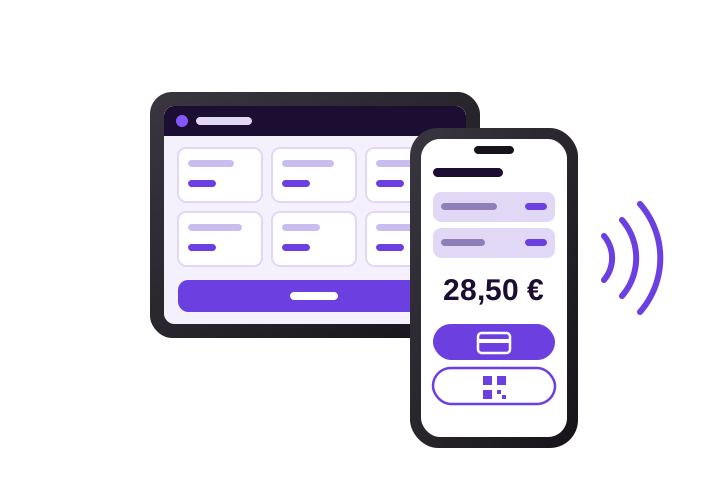
at launch
The app on an Android phone, a tablet or in a browser. You send the receipt to the customer by e-mail and accept cards through a partner bank's app directly on your phone.
Mobile services, hairdressers, therapists
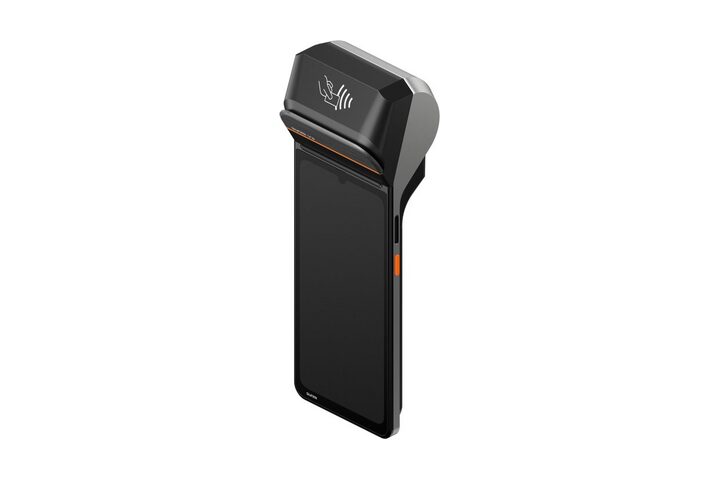
at launch
6.75″ display, 58 mm paper printer, 4G, Wi-Fi and an NFC reader. Prints the receipt right after it is registered and runs only the cash register.
Stalls, markets, shops, table service
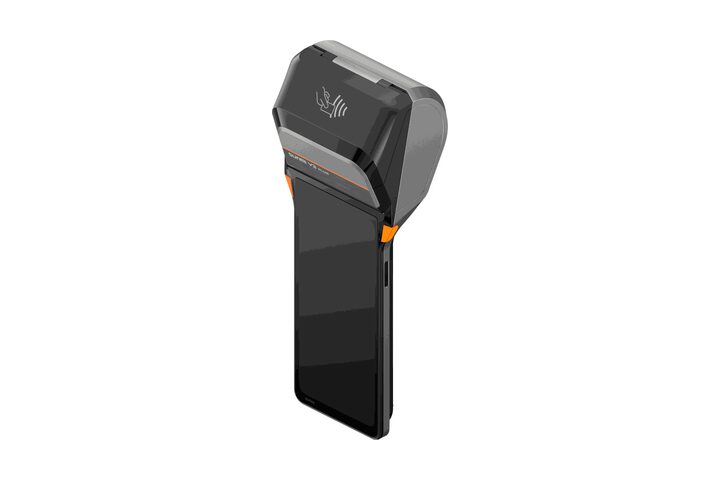
in preparation
The same handheld terminal with an 80 mm paper printer. More text fits on the receipt and long item names do not wrap.
Restaurants, shops with a long product list
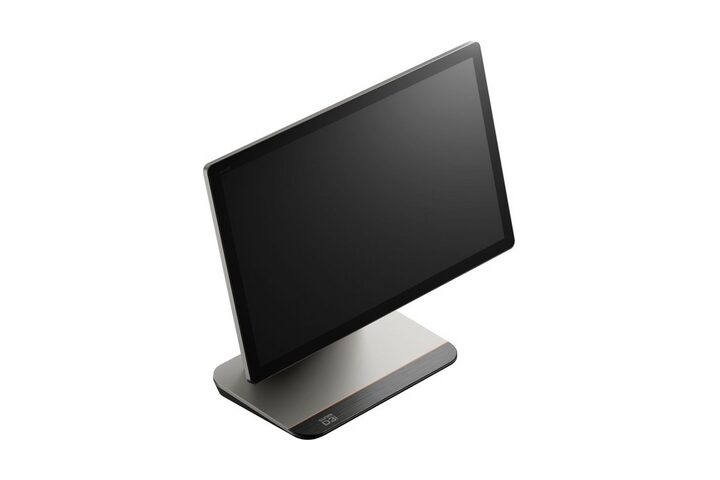
in preparation
A large 15.6″ touch display with an 80 mm paper printer and an optional second display where the customer sees the items and the total.
Cafés, bistros, shops with a counter
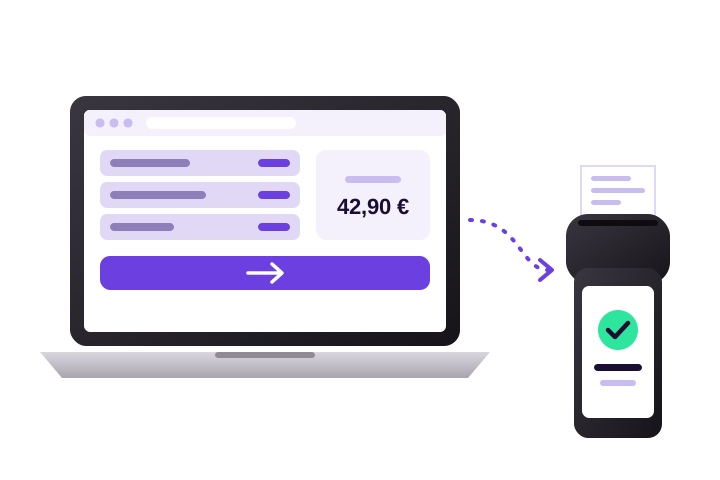
at launch
You sell in the browser on the computer at the counter and the receipt is printed by the terminal you choose in the settings.
Receptions, car services, offices
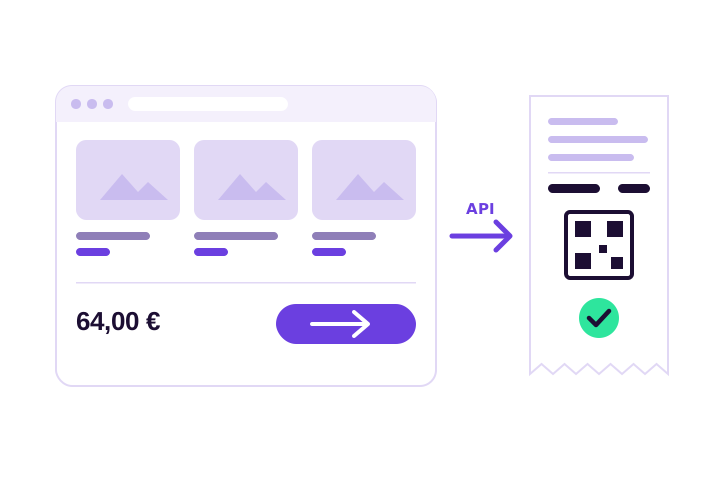
at launch
Your system sends the receipt through the REST API and gets the eKasa identifier back. The same order is never registered twice.
E-shops, bookings, custom apps
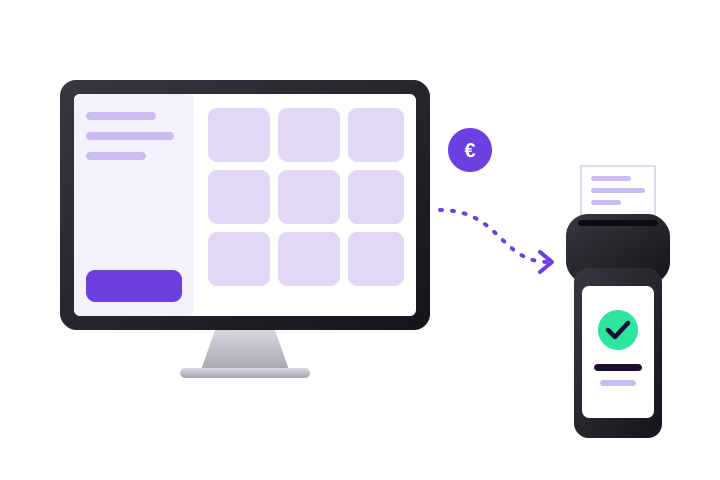
in preparation
You keep selling in Odoo Point of Sale, StefoPay registers the receipt in eKasa and prints it on the terminal.
Businesses already using Odoo
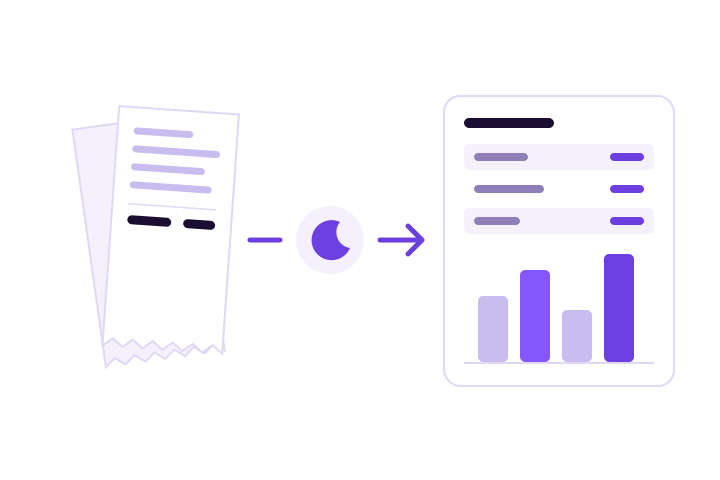
in preparation
Daily sales from StefoPay are transferred to your accounting every night, split by VAT rate and payment method.
Businesses and sole traders keeping books in Ledgio
You record sales as well as cash deposits and withdrawals in the cash register.
Instant transfer from the customer's banking app, the money goes straight to your account.
Through the app of a partner bank or payment company on an NFC phone or on the terminal.
If the customer paid in your e-shop, your system sends the receipt with the payment method they used.
A monthly subscription with no hardware lock-in. You pay for the cash register, not for a box.
| Plan | Start | Plus | API |
|---|---|---|---|
| Price | €9.90services, one register on a phone | €19.90shop, bistro, more devices | €14.90e-shops and booking systems |
| Receipts registered in eKasa | yes | yes | yes |
| QR code payment | yes | yes | no |
| Receipt by e-mail | yes | yes | no |
| Daily reports | yes | yes | no |
| Card payment via partner | no | yes | no |
| Stock and more devices | no | yes | no |
| Receipt printer | no | yes | no |
| REST API for your system | no | no | yes |

For anyone who sells a service or goods and does not want to buy a cash register or a terminal just for that.
StefoPay is a cloud software cash register for the Slovak eKasa system, made for sole traders and small businesses in Slovakia. In one app it issues a receipt registered in eKasa and accepts payment by card or QR code.
It works on a phone, a tablet and a computer, with no cash register box and no chip with protected data storage.
We plan to launch StefoPay in 2027. We will start selling it only after the Financial Directorate of the Slovak Republic issues its decision certifying the cash register program and the protected data storage.
If you want to hear about the launch, write to info@stefopay.sk.
The planned prices are €9.90 per month for the Start plan, €19.90 per month for the Plus plan and €14.90 per month for a cash register connected via API, all excluding VAT and per cash register.
For card payments you also pay the fee of the bank or payment company. We will publish the final price list at launch.
No. StefoPay runs on an Android phone, a tablet or in a browser on a computer. The protected data storage is in the cloud, so you do not buy a chip or a cash register.
A receipt printer is optional. If the customer agrees, you send the receipt by e-mail. If you want a standalone device, you will also be able to buy our terminal with a printer.
The StefoPay terminal is an Android device with a 6.75″ display, a thermal printer for 58 mm paper, 4G and Wi-Fi, and an NFC reader for contactless payments by card, phone or watch.
You pair it with your cash register using one code from the app. It prints the receipt by itself right after it is registered in eKasa and runs only StefoPay. The terminal is optional, we will publish its price at launch.
At launch: on an Android phone, a tablet, in a browser on a computer and on the StefoPay handheld terminal with a 58 mm printer. A receipt issued on a computer is printed by the terminal you choose.
In preparation: a terminal with an 80 mm printer, a countertop register with a 15.6″ display and integrations with Odoo Point of Sale and Ledgio accounting. You can connect an e-shop or booking system through the REST API.
It cannot issue a receipt without internet. Under Act No. 384/2025 Coll., an eKasa software cash register must not issue an offline receipt – the receipt exists only once the eKasa system registers it.
You can keep selling, though. During an outage the law (§ 11) prescribes a paragón – a backup receipt written from a pad in two copies. StefoPay offers selling on a paragón, shows exactly what to write on it and registers it in eKasa by itself, with the date of the sale, once the connection is back. The register opens even without internet. A sale that did not get registered during a short outage is registered automatically. If you sell where the signal often drops, you need a cash register with protected data storage directly in the device, which is allowed to issue offline receipts.
Card payments are processed by the payment app of a partner bank or payment company, with which you sign a contract directly. The money goes from them straight to your account, StefoPay never holds it.
StefoPay handles cashless QR code payments even without a partner.
Not yet. StefoPay is in development and we will apply for certification to the Financial Directorate of the Slovak Republic. Until it issues a certification decision, we do not sell StefoPay and it cannot be used to record sales.
For sole traders and small businesses that sell services or goods: hairdressers, beauticians, physiotherapists, coaches, craftspeople, repair services and stalls.
Businesses with their own e-shop or booking system can connect to eKasa through the API.
StefoPay is developed and operated by IT-DK s. r. o. from Dolný Kubín, Slovakia, company ID (IČO) 57626472. Contact: info@stefopay.sk, +421 911 085 838.
Write to us what you do and how many cash registers you need. We will get in touch when StefoPay launches.